
 Install free
Cookie banner
Every layer of the banner visitors use to give or change their consent.

New: Pandectes EU Warranty & GARAN - Official EU legal guarantee notice & GARAN, required since 27 Sep 2026
New: Pandectes EU Warranty & GARAN Install on ShopifyThe Pandectes cookie banner and the Pandectes accessibility widget are both WCAG 2.2 Level AA certified, audited by an independent testing company.
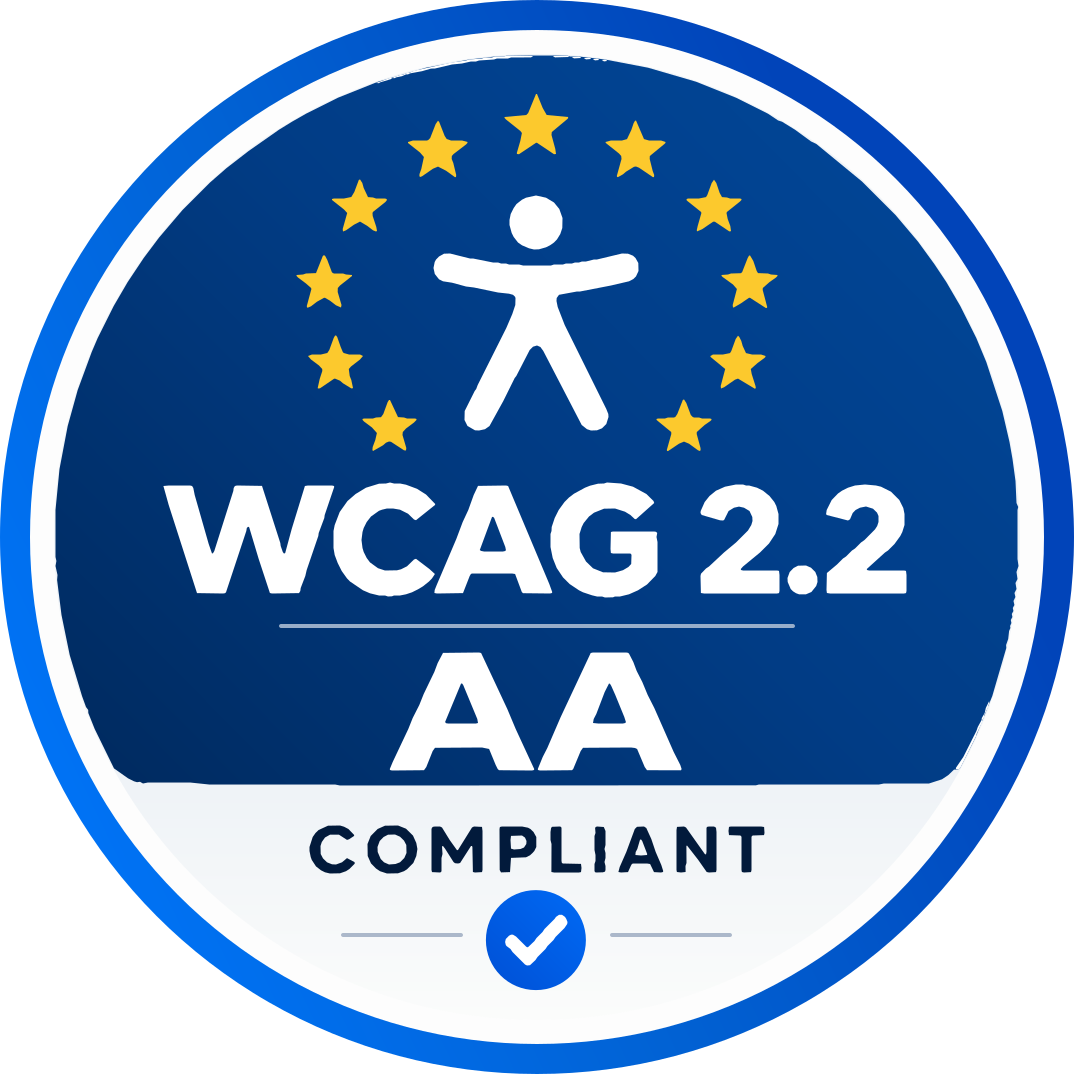
The Pandectes cookie banner and the Pandectes accessibility widget meet the Web Content Accessibility Guidelines (WCAG) 2.2 at Level AA. Zoonou Limited, an independent accessibility testing company, audited both against WCAG 2.2, Section 508 and EN 301 549.
The audits combined these methods:
Two Pandectes products are covered, each audited on its own.
Every layer of the banner visitors use to give or change their consent.
The widget's own interface: every control and panel a visitor operates, with 17 tools and 4 profiles.
Your store is only as accessible as the first thing a visitor meets, and for many visitors that is the cookie banner. If it cannot be read by a screen reader, reached with a keyboard or understood at a glance, those visitors are stuck before they have seen a single product.
That is why the Pandectes banner was audited against WCAG 2.2 Level AA, on every layer a visitor can open: the first message, the preferences and the cookie details.
Accessibility is about people who read, see, hear and move in different ways. The Pandectes accessibility widget gives your visitors 17 tools and 4 ready-made profiles to adapt your store: larger text, higher contrast, paused animations, a reading mask and text to speech, and one-click profiles for ADHD, dyslexia, low vision and motion sensitivity.
A tool for accessibility has to be accessible itself, which is why the widget's own controls and panels were audited with screen readers, a keyboard and voice control. See what the widget does.
WCAG rests on four principles. Content has to be:
Read more in the WCAG 2.2 Understanding guide.
Privacy law asks for consent that is informed and freely given. A visitor can only give that if they can read the message, find the choices and operate the buttons, whatever device or assistive technology they use. Clear text, strong contrast and controls that work with a keyboard are part of making consent real, not only part of good design.
Visitors who use a screen reader, a keyboard or voice control can make a consent choice and shop, instead of leaving.
Clear text, good contrast and controls that are easy to reach help everybody, on any device and in any light.
When the banner and the widget work for everyone, no visitor is stuck on the first thing your store shows them.
In the European Union, the European Accessibility Act applies to many online shops and points to the EN 301 549 standard. In the United States, Section 508 sets the standard for federal agencies, and WCAG is widely used as the benchmark when the Americans with Disabilities Act is applied to websites. Reasonable accessibility is part of doing business with customers in these markets.
Your own theme, content and checkout still need to meet the guidelines, so treat the banner and the widget as one part of that work. This page is information, not legal advice.
If you find something in our banner or widget that is hard to use, tell us and we will fix it. We would rather hear about a barrier than have a visitor leave because of it.
Learn how the European Accessibility Act ensures equal access, offering guidelines for inclusive products and services across the EU.
Learn key differences between ADA and EAA digital accessibility laws and how to ensure compliance across the US and EU.
Ensure your cookie banner is fully accessible and compliant with ADA, GDPR, and WCAG, creating trust, user satisfaction, and legal adherence.
Explore how accessible cookie banners ensure compliance, enhance UX, and benefit all users. Improve design for inclusive, compliant websites.
It is a report, usually in the VPAT format, in which an auditor rates a product against each criterion of a standard such as WCAG and explains the rating.
The banner and the widget are accessible in their own right, so every visitor can make a consent choice and use the widget's tools. The rest of your store, its pages, content and theme, is yours to check as usual.
Yes. The audit covers the banner as it was tested, so if you change its colors or add custom CSS, check the contrast and keyboard use of your version.
No widget can do that on its own. It gives visitors tools to adapt your pages, while compliance also depends on your theme, content and checkout meeting WCAG. Use it alongside that work, with an accessibility statement.
WCAG 2.0, 2.1 and 2.2 at levels A and AA, the revised Section 508 standards and EN 301 549, the standard the European Accessibility Act points to.
See the plans for what each includes. Every paid plan starts with a 7-day free trial.
Diese Seite gibt es auch auf Deutsch.
Auf Deutsch ansehenDeze pagina is ook beschikbaar in het Nederlands.
Bekijk in het NederlandsCette page existe aussi en français.
Voir en françaisQuesta pagina è disponibile anche in italiano.
Vedi in italianoEsta página también está disponible en español.
Ver en español