
 Install free
Shopify is built to support compliance with the General Data Protection Regulation (GDPR), but a Shopify store is not compliant just because it runs on Shopify. Shopify processes your customers’ data on your behalf. You decide what your store collects, which apps and pixels run on it, and how you ask visitors for consent, so most of the obligations sit with you.
This guide explains exactly where Shopify’s responsibility ends and yours begins, and walks you through the eight steps that make a Shopify store GDPR compliant, with the admin paths to each setting. It also covers the fines, the 2025 and 2026 changes that affect Shopify stores, and when Shopify’s built-in tools are enough.
The short answer: to make a Shopify store GDPR compliant, block non-essential cookies and pixels until visitors in the European Economic Area (EEA), the UK and Switzerland consent, publish an accurate privacy and cookie policy, connect consent to Google Consent Mode v2, answer data requests within one month, check every app’s data processing terms, and keep a record of each visitor’s consent.
 Pandectes GDPR ComplianceThe most popular & reviewed GDPR app for ShopifyInstall free on Shopify
Is Shopify GDPR compliant?
Yes, Shopify the platform is GDPR compliant: it acts as your data processor, signs a Data Processing Addendum with every merchant, and gives you tools to answer customer requests. Your store is a different matter. You are the controller, so your cookie consent banner, privacy policy, third-party apps and pixels decide whether your Shopify store is GDPR compliant.
Key takeaways
- The GDPR applies to stores outside the EU whenever they sell to, or track, people in the EU. Most Shopify stores that ship to Europe or run ads there are covered.
- Shopify is a processor, you are the controller. Shopify’s Data Processing Addendum covers Shopify itself, not the apps and pixels you add.
- Cookie consent is the most visible obligation and the most enforced. In September 2025 France’s regulator fined the online retailer Shein €150 million, mainly over advertising cookies set without valid consent.
- Checkout tracking changed. Shopify retired Additional Scripts on the Thank you and Order status pages for Plus stores in August 2025 and for all other stores on August 26, 2026. Tracking there now runs through pixels that must respect consent.
- Shopify’s built-in cookie banner is a starting point. Stores with many tags, several markets or Google Ads usually need a consent app that blocks scripts before consent, scans and classifies cookies, reports on consent and sends Google Consent Mode v2 signals.
Why GDPR compliance matters for Shopify merchants
GDPR compliance is not only about avoiding fines. For a Shopify store it protects three things that drive sales:
- Customer trust. Shoppers notice a clear consent banner and an honest privacy policy, and they are more willing to buy from, and share data with, a store that respects their choices.
- Your advertising. Google Ads and Google Analytics need valid consent signals for EEA and UK visitors. Without them, remarketing and measurement for those visitors stop working properly.
- Your business. Regulators fine retailers for cookie violations, and consumer complaints and demand letters cost time and money at any size.
Does the GDPR apply to your Shopify store?
The General Data Protection Regulation applies to any business that offers goods or services to people in the European Union, or monitors their behaviour, wherever the business is based (Article 3(2) GDPR). For a Shopify store, that usually means the GDPR applies if you:
- ship to EU countries, list prices in euros or offer an EU language
- run analytics, advertising pixels or retargeting that track visitors from the EU
- send marketing emails to customers in the EU
A store in the United States that never sells to or targets Europe is generally outside the GDPR, although a store that accepts orders from the EU and tracks EU visitors is not. Two closely related laws apply in the same way: the UK GDPR for customers in the United Kingdom, and Switzerland’s revised Federal Act on Data Protection. In practice, a store that gets GDPR compliance right is most of the way there for both.
Cookie consent has a second legal source, the ePrivacy Directive, which requires consent before a website stores or reads non-essential information on a visitor’s device. That is why the cookie banner is not optional for EU visitors, even when your other data handling is sound.
Who is responsible: Shopify, you or your apps?
Under the GDPR, the controller decides why and how personal data is processed, and the processor handles it on the controller’s instructions. For your store’s customer data, you are the controller and Shopify is your processor. Every app you install is a separate party with its own role. As Shopify itself puts it, using its services alone doesn’t guarantee that you comply with the GDPR.
| Party | Role | What it is responsible for |
|---|---|---|
| You, the merchant | Controller | Deciding what data you collect and why, your privacy and cookie policies, collecting consent, answering customer data requests, choosing and vetting apps, reporting breaches |
| Shopify | Processor | Securing the platform, processing data on your instructions, the Data Processing Addendum, its own subprocessors, tools that help you meet your obligations |
| Apps and pixels | Processor, or a separate controller | The data they collect through your store. Advertising platforms such as Meta or Google often act as controllers for the data they receive |
Personal data of customers in the EEA, the UK and Switzerland is processed first by Shopify International Limited in Ireland. Shopify relies on the European Commission’s adequacy decision for Canada for transfers to its Canadian parent, and on Standard Contractual Clauses for transfers to its subprocessors (Shopify Help Center). Your apps are a different matter: each one needs its own data processing terms, and its own legal basis for any transfer outside Europe.
One exception to Shopify’s processor role: if you turn on Network Intelligence or use Shopify’s enhanced services, Shopify processes that customer data as a controller under its own terms. Check your Customer privacy settings and mention it in your privacy policy if it is on.
What personal data a Shopify store collects
Knowing what you collect is the first step to every other obligation. A typical store handles:
| Data | Where it comes from | Usual legal basis |
|---|---|---|
| Name, email, phone, addresses | Checkout and customer accounts | Performance of the contract |
| Order and payment details | Checkout (card data is handled by the payment provider) | Contract, and legal obligations such as tax records |
| Marketing email and SMS subscriptions | Signup forms and checkout | Consent |
| IP address, device and browsing data | Analytics, cookies and pixels | Consent for anything not strictly necessary |
| Reviews, quiz answers, support chats | Apps and forms | Depends on the purpose: consent for anything sensitive |
Health-related answers, such as allergies or skin conditions in a product quiz, can count as special category data under Article 9 GDPR and need explicit consent. Collect only what you need for each purpose.
Shopify GDPR compliance checklist: 8 steps
1. Find every cookie and tracker on your store
You cannot ask for consent to cookies you do not know about. Themes, apps and pixels add cookies of their own, and the list changes every time you install or update an app. Start with a scan: the free Pandectes cookie scanner lists the cookies and trackers your store sets and the ones that fire before consent. Then group them into the usual categories: strictly necessary, preferences (functional), analytics (performance) and marketing.
2. Set up a GDPR cookie consent banner
GDPR consent has to be freely given, specific, informed and unambiguous, and as easy to refuse as to give. For a cookie consent banner that means:
- Accept and Reject options of equal prominence on the first layer, with no dark patterns such as a hidden or greyed-out Reject
- No pre-ticked boxes and no “by continuing to browse you agree”
- Choices by category, with a link to your cookie policy
- A way to change or withdraw consent later, such as a cookie settings link in the footer

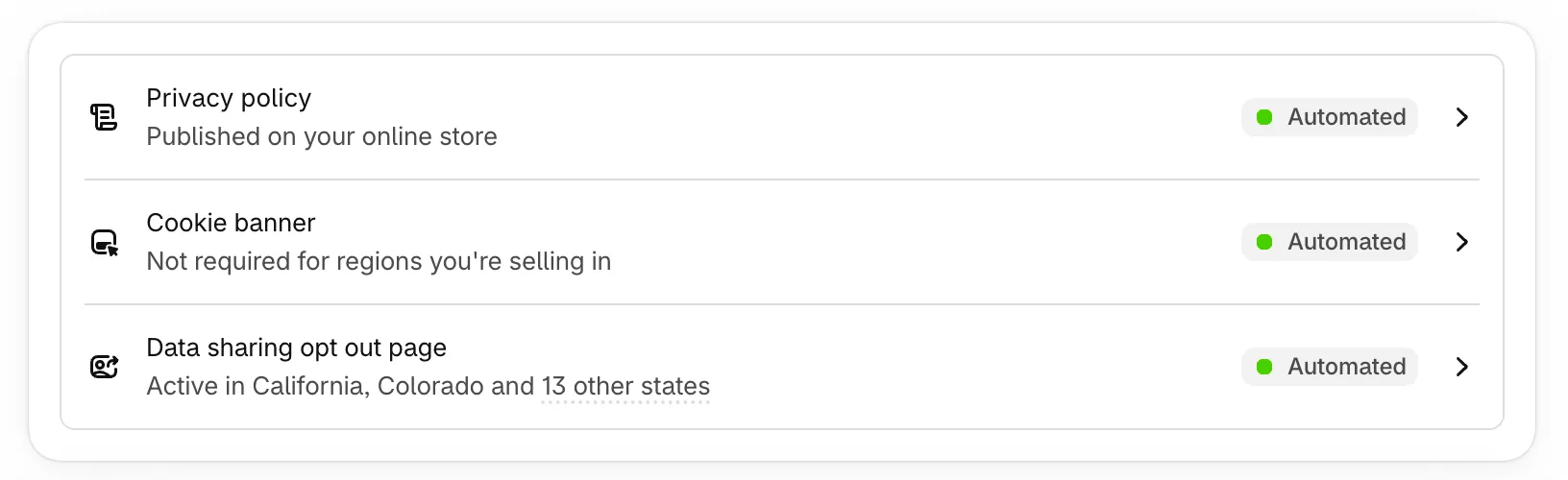
Shopify includes a basic banner under Settings › Customer privacy › Cookie banner, which records each visitor’s choice in Shopify’s Customer Privacy API. In the same customer privacy settings, make sure tracking data is collected only after visitors consent, so the Meta Pixel, TikTok pixel and Google Analytics wait for a yes. A consent management app adds what larger stores usually need: script blocking, category-level choices, styling, translations, cookie scanning and consent reports.
3. Block trackers until visitors consent
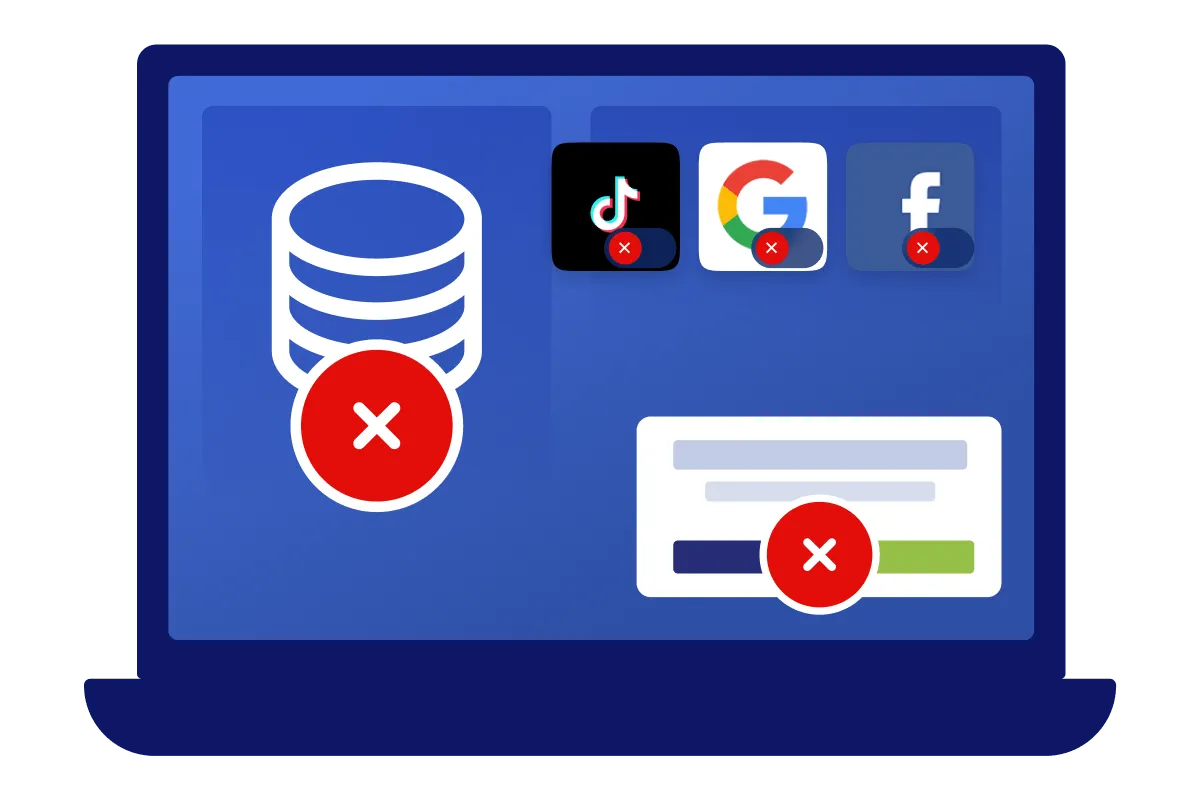
Collecting a choice is not enough if your scripts load anyway. Every non-essential cookie and pixel must wait until the visitor accepts its category. On Shopify there are three places to check:
- Shopify’s own pixels and apps that read the Customer Privacy API respect the visitor’s choice automatically.
- Custom pixels under Settings › Customer events run in a sandbox and should check consent before sending data.
- Scripts added to your theme by apps or by hand do not know about consent unless something blocks them. An automatic blocking tool holds them back until the visitor agrees.
Pay attention to checkout. Shopify retired the Additional Scripts box on the Thank you and Order status pages, from August 28, 2025 for Plus stores and August 26, 2026 for all other plans. Conversion tracking on those pages now runs through web pixels and custom pixels, so check that each one respects consent.
4. Connect consent to Google Consent Mode v2
If you use Google Ads, Google Analytics 4 or Google Merchant Center audiences, Google requires consent signals for visitors in the EEA, the UK and Switzerland under its EU user consent policy. Google Consent Mode v2 sends four signals with every tag: ad_storage, analytics_storage, ad_user_data and ad_personalization.
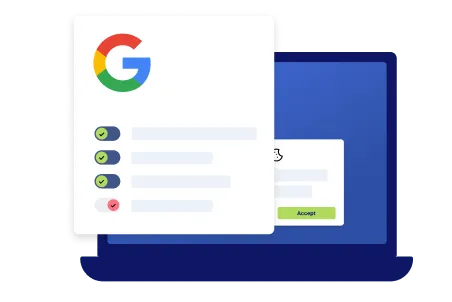
- Basic mode loads Google tags only after consent.
- Advanced mode loads tags straight away in a cookieless state, and lets Google model conversions from visitors who decline.
Without these signals, Google limits remarketing and audience features for EEA traffic. A Google certified consent platform sends them for you.
Is your store sending the right signals? Check it for free. The Pandectes Google Consent Mode v2 checker scans your Shopify store’s Consent Mode setup and emails you a report of every issue it finds, with no install and no account needed. Scan your store now.
A Google-Approved Consent Platform for Shopify
Pandectes is an official Google Certified Consent Management Platform and is fully compatible with Google Consent Mode v2 and global privacy regulations.
View the App on Shopify5. Publish an accurate privacy policy and cookie policy
Your privacy policy must explain, in plain language, who you are, what personal data you collect, why, on what legal basis, who you share it with (including apps and advertising platforms), how long you keep it, where it is transferred and how customers can exercise their rights (Articles 13 and 14 GDPR).
Shopify’s privacy policy generator creates a starting template under Settings › Policies, published at yourstore.com/policies/privacy-policy. Edit the template so it matches your actual apps and data, and link it from your footer menu (Online Store › Navigation) so it is one click away on every page. A generic template that lists none of your tools is a common finding in audits. Add a separate cookie declaration that lists each cookie, its purpose, provider and duration, and keep it in step with your scans.
6. Handle GDPR data requests (DSRs) on time
Customers can ask to access, correct, delete or export their data, and to object to marketing. These are data subject requests (DSRs), or data subject access requests (DSARs) when a customer asks for a copy of their data, and Shopify calls them customer data requests. The rights behind them are the right to access, to rectification, to erasure, to restrict processing, to data portability and to object. You must answer within one month, extendable by two further months for complex requests if you tell the customer why (Article 12(3) GDPR).
In Shopify admin, open the customer’s profile to request their data or erase their personal data. Shopify’s erasure covers the data held by Shopify. Apps that hold copies, such as email marketing, reviews or loyalty apps, need their own deletion. A customer data request page gives customers one place to make requests and you one place to track them against the deadline.
7. Vet your third-party apps and keep records
Each third-party app that touches personal data needs a data processing agreement and a clear purpose. Before you install one, check:
- what data it collects, and whether it sets cookies on your storefront
- whether it offers a DPA and lists its subprocessors
- where it stores data, and the legal basis for any transfer outside Europe
- whether it respects the consent your banner collects
Record what you process in a simple register: data, purpose, legal basis, apps involved, retention. Most small businesses are exempt from formal records of processing under Article 30, but the exemption does not apply to regular processing such as customer orders and tracking, so most stores should keep them.
Two roles to check while you are at it:
- A data protection officer (DPO) is required only when your core business involves large-scale, regular monitoring of people or large-scale processing of sensitive data (Article 37 GDPR). Most Shopify stores do not need one, but name someone responsible for privacy questions.
- An EU representative is required for most stores based outside the EU that sell to or track people in the EU, unless the processing is only occasional and low risk (Article 27 GDPR). The UK GDPR has the same rule for a UK representative.
8. Prepare for a data breach
If personal data is lost, leaked or accessed without authorisation, you must notify your data protection authority within 72 hours of becoming aware of it, unless the breach is unlikely to put people at risk, and tell affected customers when the risk is high (Articles 33 and 34 GDPR). Know who to contact, keep staff and app access to the minimum, turn on two-step authentication for every staff account, and remove apps you no longer use.
Shopify’s built-in cookie banner or a GDPR app?
Shopify’s free cookie banner is a sensible start for a small store that sells in one market and runs few tags. It shows a banner where consent is required, with basic styling, and passes each visitor’s choice to apps that use Shopify’s Customer Privacy API. Everything else, it leaves to you.
| What you need | Shopify’s built-in banner | Pandectes GDPR Compliance |
|---|---|---|
| A banner only where consent is required, by region | Yes, with the same strict opt-in policy in every region where it shows | Yes, and you choose opt-in or opt-out consent for each country or region (Premium and Enterprise) |
| Styling | Basic styling and position | Multiple layouts, separate desktop and mobile options, custom CSS |
| Choices by cookie category | No | Yes |
| Languages | One language | Every store language, with a language switcher |
| Holding back theme scripts, Google Tag Manager tags and apps without a Shopify integration | No | Yes, with automatic, manual and inline blocking |
| Scanning, classifying cookies and writing the cookie policy | No | Yes, with a scan scheduler |
| Consent analytics and reports | No | Yes |
| Customer data request management, with email templates | No | Yes |
| Google and Microsoft consent modes, IAB TCF, a Google Tag Manager template | Only through apps that use the Customer Privacy API | Yes, as a Google and Microsoft certified CMP |
| “Do not sell or share my data” in the banner | No | Yes |
| Help with setup and compliance questions | General Shopify support | Live chat and video tutorials |
The rule of thumb: if you run advertising pixels, use Google Ads in Europe or sell in several countries, you need more than the built-in banner. That is why Pandectes is the most reviewed GDPR app on the Shopify App Store, with more than 3,000 reviews at 5.0 stars. See the full comparison of Pandectes and Shopify’s customer privacy banner, or try Pandectes free on Shopify.
How much are GDPR fines?
The GDPR sets two tiers of administrative fines (Article 83):
- up to €10 million or 2% of total worldwide annual turnover, whichever is higher, for breaches such as security and record-keeping failures
- up to €20 million or 4%, whichever is higher, for breaches of the core principles, consent and data subject rights
Cookie rules are enforced under national ePrivacy laws, and they are where e-commerce feels enforcement most. On September 3, 2025, France’s data protection authority, the CNIL, fined Shein €150 million and Google €325 million, finding that both set advertising cookies without valid consent. Small stores rarely face fines of that size, but regulators act on complaints, and consumer claims and demand letters cost time and money at any size.
What changed for Shopify stores in 2025 and 2026
- Checkout scripts retired. Additional Scripts on the Thank you and Order status pages stopped working for Plus stores in August 2025 and for all other stores on August 26, 2026. Tracking now runs through pixels.
- Record cookie fines. The CNIL’s September 2025 fines against Shein and Google confirm that advertising cookies without valid consent are an enforcement priority.
- The EU Digital Omnibus is still a proposal. The European Commission proposed in November 2025 to move the cookie rules into the GDPR. The text is still being negotiated, so today’s ePrivacy rules apply in full. Your banner does not need to change until a final text is adopted.
- The EU withdrawal button. Since June 19, 2026, stores selling to EU consumers must offer a clearly labelled withdrawal function. It is consumer law rather than the GDPR, but it collects personal data, so it belongs in your privacy policy.
Common Shopify GDPR mistakes
- Relying on Shopify alone. Shopify’s compliance covers Shopify, not your apps, pixels and policies.
- A banner that only informs. “This site uses cookies” with an OK button is not consent.
- Tags that load before consent. The most common finding in cookie audits, and the one regulators fine.
- A copied privacy policy that names none of your actual apps or data.
- Forgetting apps when deleting data. Erasing a customer in Shopify does not erase them from your email or reviews app.
- Treating compliance as a one-time setup. Every new app or pixel can add cookies. Scan again after changes.
How Pandectes helps
Pandectes GDPR Compliance is the most reviewed GDPR app on the Shopify App Store, rated 5.0 from more than 3,000 reviews, and Built for Shopify. It covers the steps above in one place: a customizable banner with region-specific rules, automatic cookie scanning and blocking, Google Consent Mode v2 as a Google certified CMP, integration with Shopify’s Customer Privacy API, consent logs, a cookie declaration, customer data requests, and translations for every store language. It also covers the CCPA, LGPD and over 30 other privacy laws, and there is a free plan to start with.
Make Your Shopify Store GDPR & Cookie Compliant in Minutes
Start Free on ShopifyFrequently asked questions
Does Shopify have a built-in cookie banner?
Yes. Shopify includes a basic cookie banner under Settings › Customer privacy, which records each visitor’s choice. It shows the banner in one language and does not offer choices by cookie category, hold back theme scripts or Google Tag Manager tags, scan cookies or report on consent, which is why many stores add a consent app.
Does the GDPR apply to a US Shopify store?
It does if the store sells to customers in the EU or tracks visitors from the EU, for example with analytics or advertising pixels. A US store that does neither is generally outside the GDPR.
Do I need a cookie banner if I only use Google Analytics?
Yes, for visitors in the EU, the UK and Switzerland. Google Analytics sets non-essential cookies, so it needs consent first. With Google Consent Mode v2 in advanced mode you can still get modelled data from visitors who decline.
How long do I have to answer a customer data request?
One month from receiving the request. You can extend it by two further months for complex or numerous requests, as long as you tell the customer within the first month.
Is a Shopify store GDPR compliant if it uses a consent app?
A consent app covers cookie consent, which is the most visible and most enforced obligation. Full compliance also needs an accurate privacy policy, data processing agreements with your apps, a process for customer requests and a plan for breaches.
What is the fine for not having a cookie banner?
Fines are set case by case. The GDPR allows up to €20 million or 4% of worldwide turnover, and national regulators enforce cookie rules directly, as the CNIL did with its €150 million fine against Shein in 2025.
This guide is general information, not legal advice. For decisions about your store, speak to a qualified privacy lawyer.