 Install free
A Shopify privacy policy is the page that tells your customers what personal data your store collects, why it collects it, who receives it, and how they can ask you to change or delete it. Shopify gives every store a policy page and a generator to start from. The generator produces a general text, but it cannot know which apps you have installed, which advertising tags you run, or which countries you sell to. Those are the parts that make a policy accurate, and they are the parts most stores get wrong.
 Pandectes GDPR ComplianceThe most popular & reviewed GDPR app for ShopifyInstall free on Shopify
This guide covers what a complete policy needs, what Shopify’s own page handles, and the points that you have to write yourself. It is practical guidance, not legal advice. If you are unsure which laws apply to your customers, a lawyer in those markets should review the final text.
What Shopify gives you, and where it stops
Shopify provides a policy page for each store. You find the policy settings in your admin under Settings, then Policies. From there you can write the text yourself or start from Shopify’s generator, which asks a few questions about your business and drafts a policy.
The generator is a reasonable starting point for the basics: your business name and contact details, the data Shopify itself collects at checkout, and the general rights customers have. It does not cover:
- Your apps. Reviews, email marketing, loyalty programmes, and shipping tools each collect data. The generator does not know they exist.
- Your advertising and analytics tags. Google, Meta, TikTok and similar tags send visitor data to those companies. The policy has to say so, and it has to match what the tags actually do.
- Cookies and consent. A policy can describe your cookies, but it does not show a consent banner or record a visitor’s choice. Those are separate obligations and need a separate cookie policy.
- Your customers’ locations. Stores that sell into the EU, the UK, California, Canada, Brazil or Australia are subject to different rules, and the generator’s text is not written to cover each of them.
Treat the generated text as a first draft. Every sentence that describes data collection has to be checked against what your store does.
What a complete policy needs
Regulators and privacy reviewers look for the same things in a policy. A complete version answers these questions in plain language.
- Who you are. Your legal business name, a postal address, and a contact address for privacy requests.
- What you collect. Name, contact details and address from orders; payment details (handled by the payment provider, not by you); device and browsing data; and anything collected by your apps and tags.
- Why you collect it. Fulfilling orders, customer service, marketing, analytics, fraud prevention. Each purpose should match a type of data above.
- Who receives it. Shopify, your payment and shipping providers, each app that stores customer data, and each advertising or analytics company. Name the categories, and name the larger providers.
- How long you keep it. Give a period or the rule you use to set one. “As long as necessary” alone is too vague to be useful.
- What customers can ask for. Access to their data, correction, deletion, and withdrawal of consent for marketing. Say how to ask and how long you take to answer.
- Cookies and similar technologies. What categories you use, what each one is for, and how a visitor can change their choice. Link to a cookie policy if you have one.
- Transfers outside their country. Shopify and most apps process data in the United States or elsewhere. Say so.
- When it changed. Show a date for the last update. Customers and regulators both use it to check that the policy is current.
Which laws change the text
The same store can fall under several sets of rules at once. The most common ones for Shopify merchants:
- The EU GDPR and UK GDPR require a legal basis for each purpose, and a clear description of the rights customers have.
- US state laws such as the California CCPA and CPRA, and newer laws in Colorado, Connecticut, Virginia, Texas, Maryland and others, require a notice of the categories of data collected and sold or shared, plus a way to opt out. Several of them also recognise the Global Privacy Control signal.
- Canada’s PIPEDA, Brazil’s LGPD, Australia’s Privacy Act and Thailand’s PDPA each set their own requirements for notice and consent.
You do not need a separate policy for each market. Most stores publish one policy that covers every market they sell to, and add a short section for the rules that differ, such as the California rights or the EU legal bases. What you cannot do is publish a policy that describes a store you no longer run.
How to write it from your own store
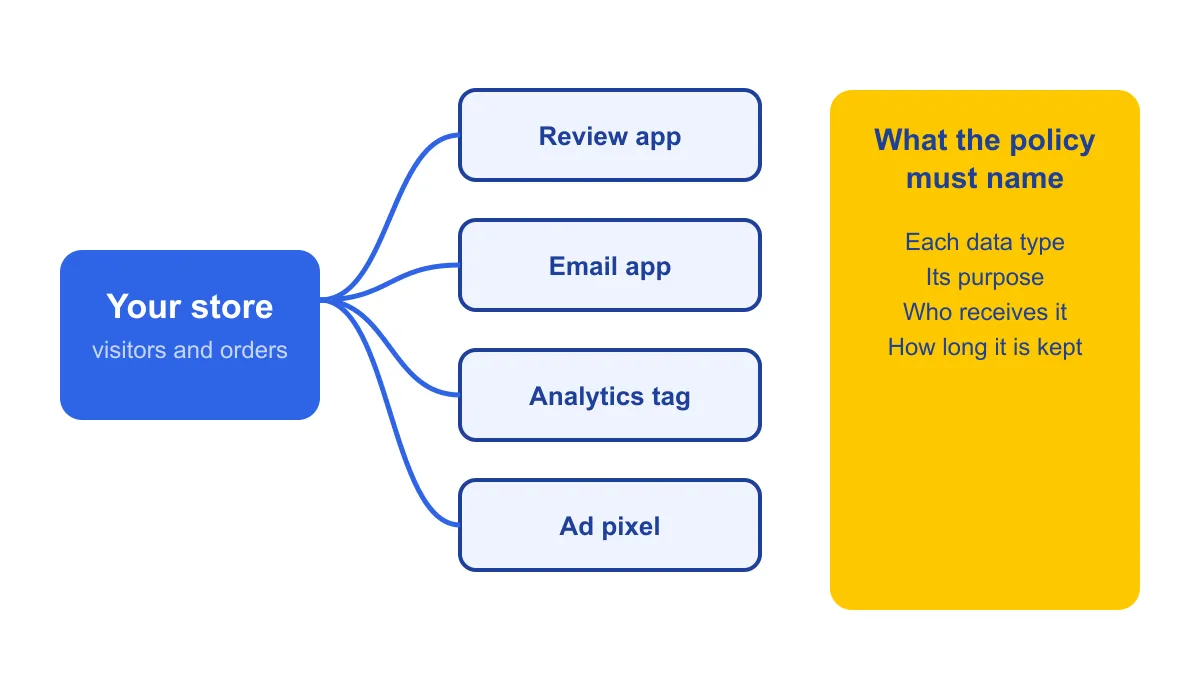
Start with what your store does, then write the policy to match it. This order produces a more accurate policy than starting from a template.
- List your data sources. Open your installed apps and your tag manager. For each one, note what personal data it collects and where that data goes. Include reviews, email, SMS, analytics, advertising pixels, and customer support tools.
- Write the data table. One row per source, with three columns: the data, the purpose, and the recipient. This table becomes the core of the policy’s “what we collect” section.
- Draft the rest around it. Use the generator’s text for the parts that don’t depend on your stack, such as the company details and the general description of rights, and edit it where it conflicts with your table.
- Write a separate cookie section. List each cookie category your store uses. If your site shows a consent banner, state what the banner records and how a visitor can change the choice later.
- Check it against the live store. Open the site in a private window with no prior choices, and check what loads before and after a visitor accepts. Any tag that loads before consent has to be described in the policy and justified.
- Publish and link it. Put the policy link in the footer and at checkout, and link the cookie section from your consent banner.
Make Your Shopify Store GDPR & Cookie Compliant in Minutes
Start Free on ShopifyMistakes that cause the most trouble
- Copying a template without matching it to the store. A policy that says you do not sell data, while an advertising app shares visitor data with ad networks, is wrong on its face.
- Leaving out apps. Every app that stores customer data belongs in the policy. Review the list whenever you install or remove an app.
- Saying nothing about cookies. A policy that does not mention the cookies your tags set is incomplete, even if the rest of the text is correct.
- Never updating the date. When you add a tag or change how you use data, change the text and the date together.
A checklist before you publish
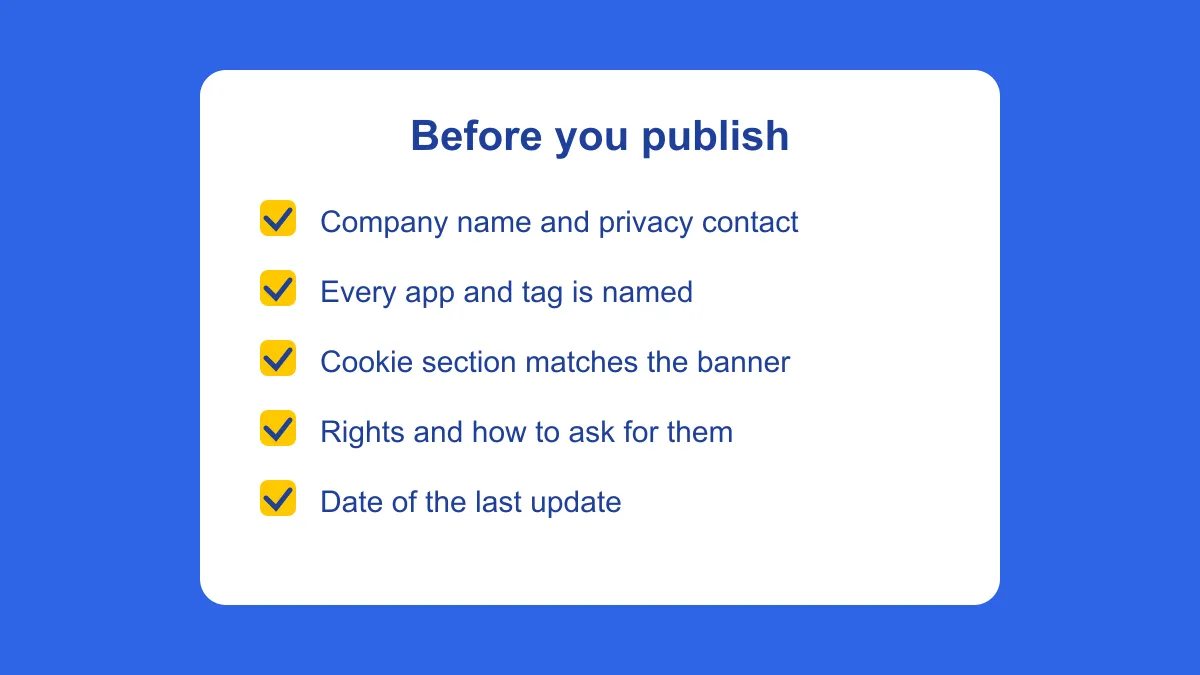
- The company name and a privacy contact address are correct.
- Every app and tag that receives customer data is named in the policy.
- Each data type has a purpose and a recipient.
- Retention periods are stated, or the rule for setting them is.
- Customers know how to ask for access, correction, deletion, and to opt out of sale or sharing.
- The cookie section matches what a visitor’s browser receives, and it matches your consent banner.
- The policy says where data is processed, including outside the customer’s country.
- The policy is linked from the footer and checkout, and has a date.
Where Pandectes fits
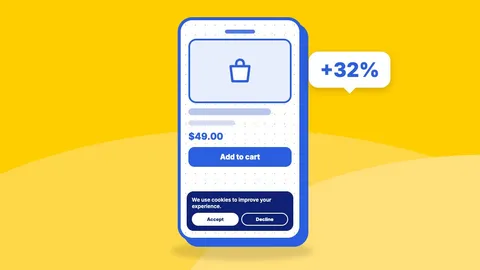
The policy describes your choices. It does not make them for you. Pandectes handles the part of the policy that depends on the live site. The consent banner is the first thing a visitor sees. This is the Pandectes banner at the bottom of a live Shopify store, on desktop and on a phone:

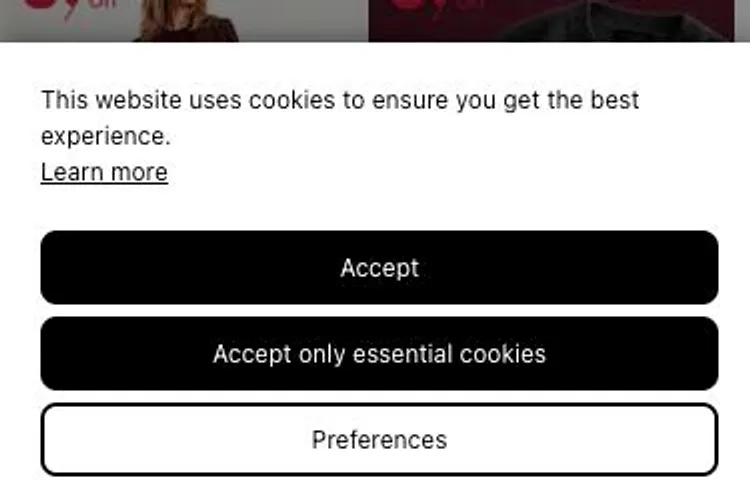
In short: a cookie scan that lists the cookies and tags your store actually sets, a consent banner that waits for each visitor’s choice before loading non-essential tags, and a record of those choices. That keeps the cookie section of your policy tied to what really happens. You can read more about how the cookie scan works on the Pandectes app listing.
Start Free with Pandectes
Free plan available. 7-day free trials on all paid features. No setup fees. Cancel anytime.
Start Free on ShopifyIf you are still deciding whether a document is a policy, a cookie notice or terms, read the difference between a privacy policy and a cookie policy and the difference between a privacy policy and terms and conditions. If you want a shorter walkthrough of creating the page itself, see how to create a privacy policy on Shopify.